Adobe Firefly as Your AI Ingredients Marketplace
Brainstorm, Images, Video, Audio
The Bite Size | Summary
Adobe Firefly works best as an AI-assisted creative workflow system for brainstorming, mockups, storyboarding, and campaign development, not as a replacement for creative direction.
Who, what, and when is Adobe Firefly best for?
Who it’s best for? (artists + agencies)
Firefly is best for digital artists, designers, photographers, and content creators who want to experiment without losing control—and for advertising agencies and brand teams who need scalable creative outputs that can survive approvals, timelines, and for that one last-minute edit from a client who “just has a feeling…” but needs a quick turnaround. 🫠
What is Adobe Firefly best for?
Generating publish-ready creative ingredients; images, video elements, and concept assets —that support real workflows like brainstorming, storyboarding, mockups, and campaign production (without trying to become the entire artwork). 🙌When to use it? (which stage of the process)
Use Firefly during the ideation and pre-production stages (brainstorming, moodboarding, storyboarding), the pitch stage (mockups and concept comps), and the production support stage (generating backgrounds, textures, variations, or visual elements)—then finish with your pro tools for final polish. 😎
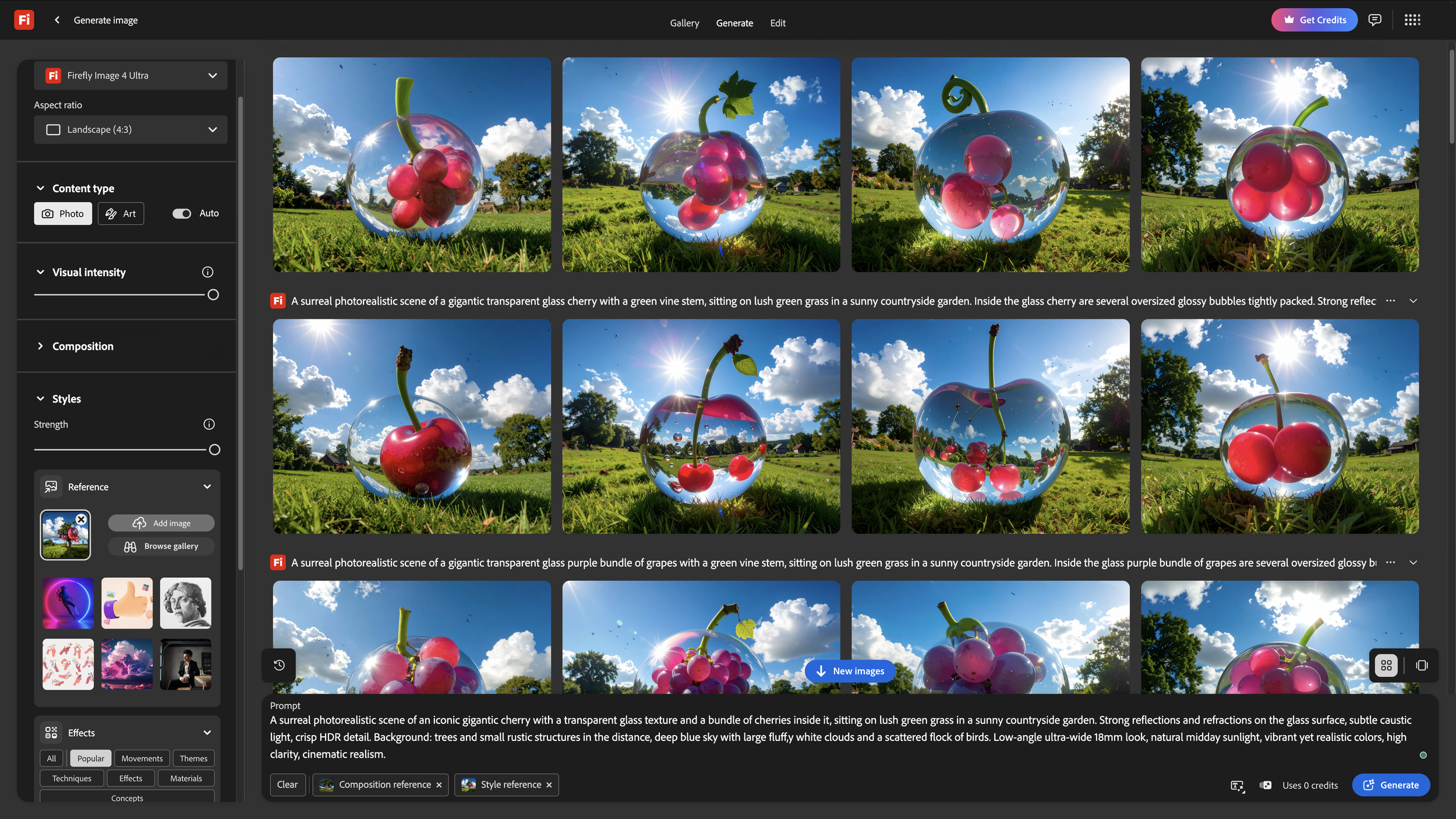
My final POV Logic
I treat Adobe Firefly like a marketplace for AI ingredients—I’m not asking it to cook the whole meal, I’m grabbing what I need (images, video, vibes) so I can assemble the recipe and plate the final work myself.
AND, if you’re running a brands or agency where publish confidence matters, Firefly becomes the default “ingredient source.”
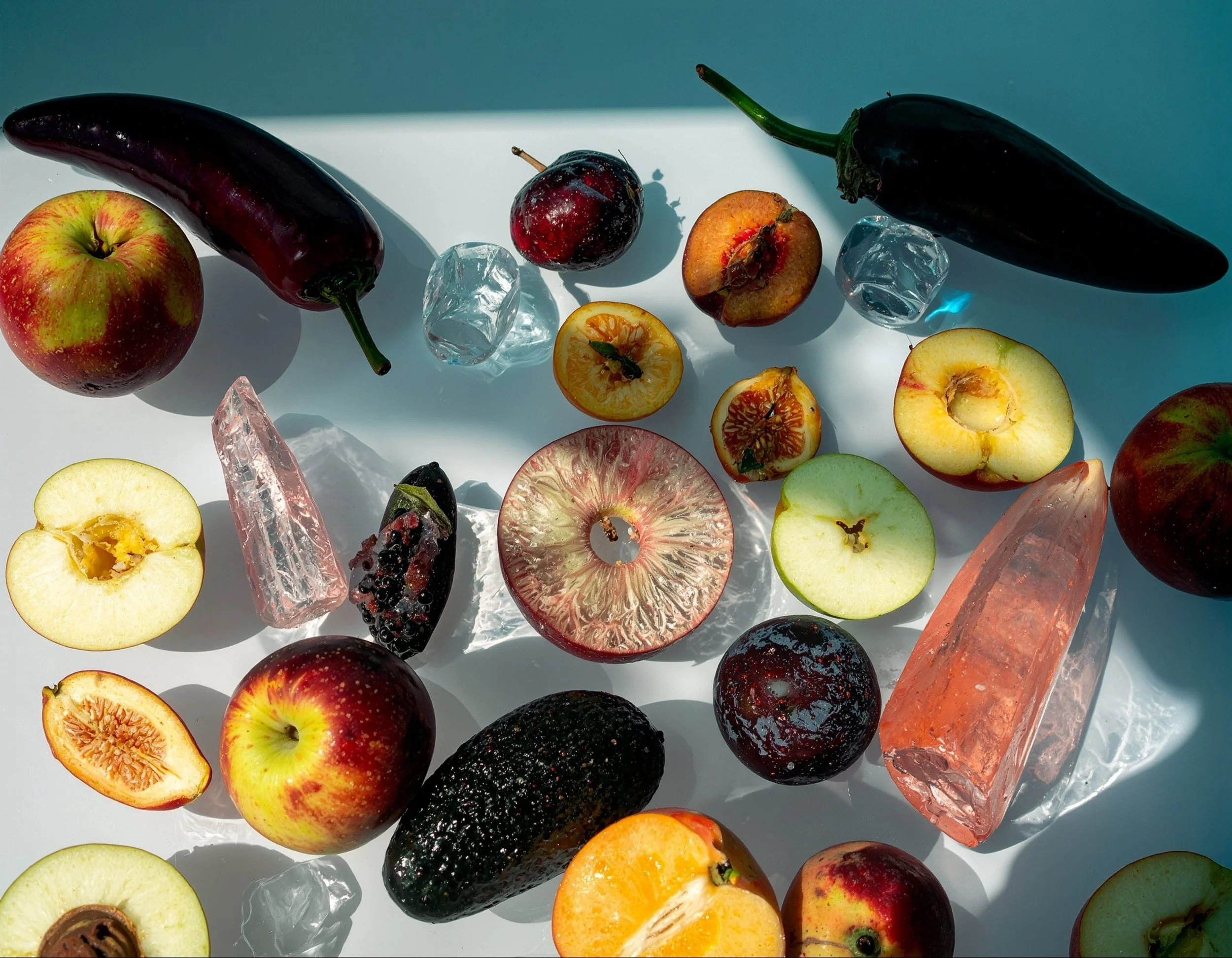
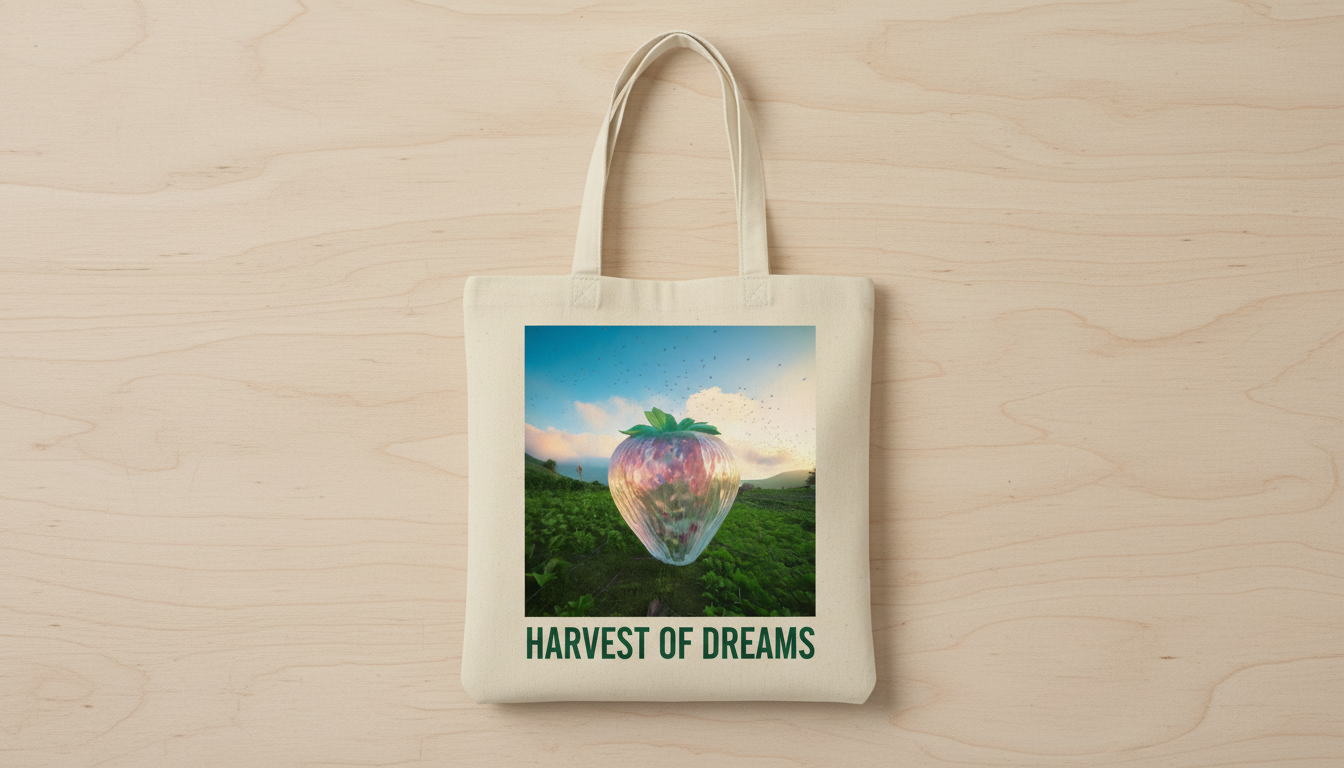
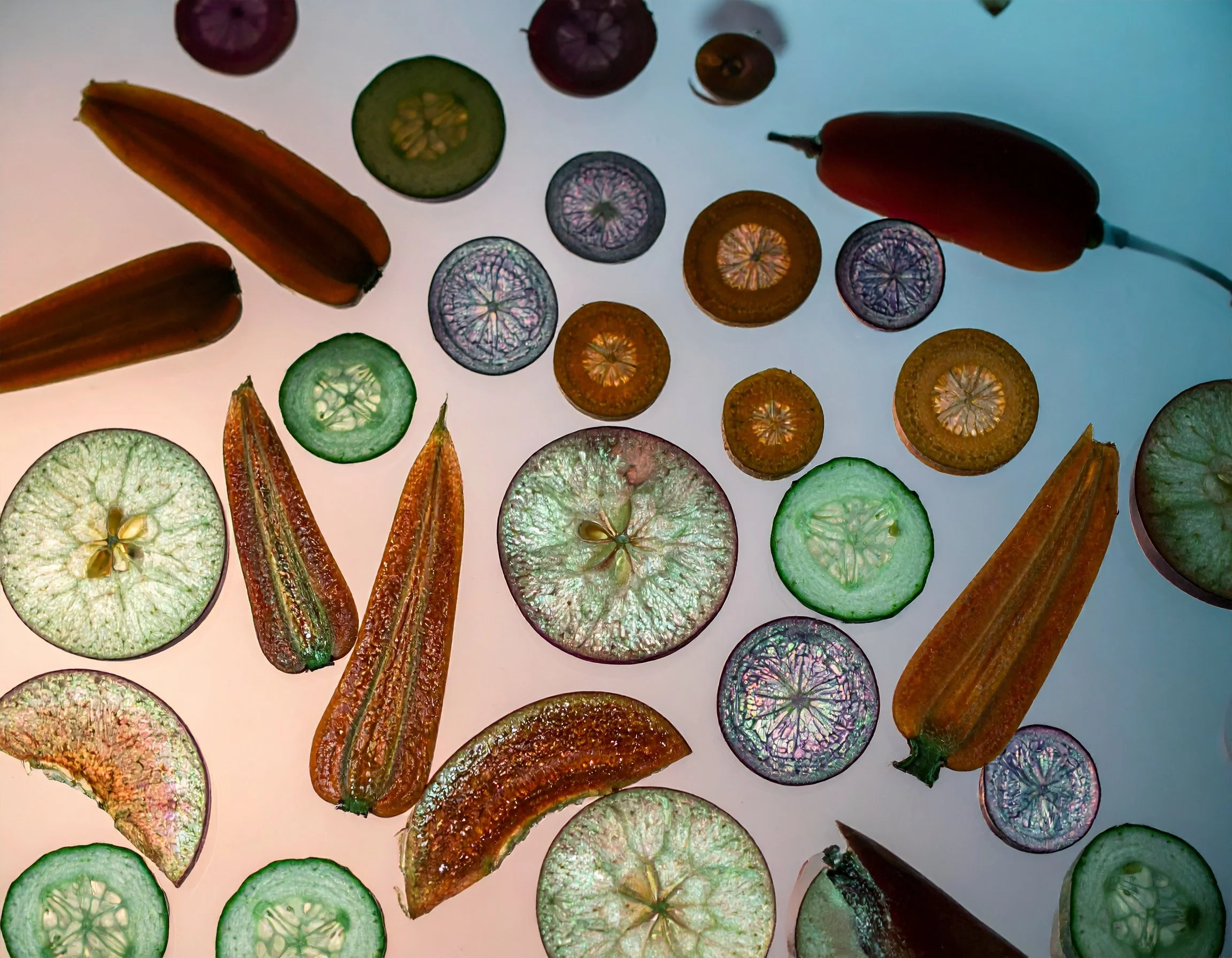
AI-generated concept image using Adobe Firefly with controlled color palette and symbolic composition
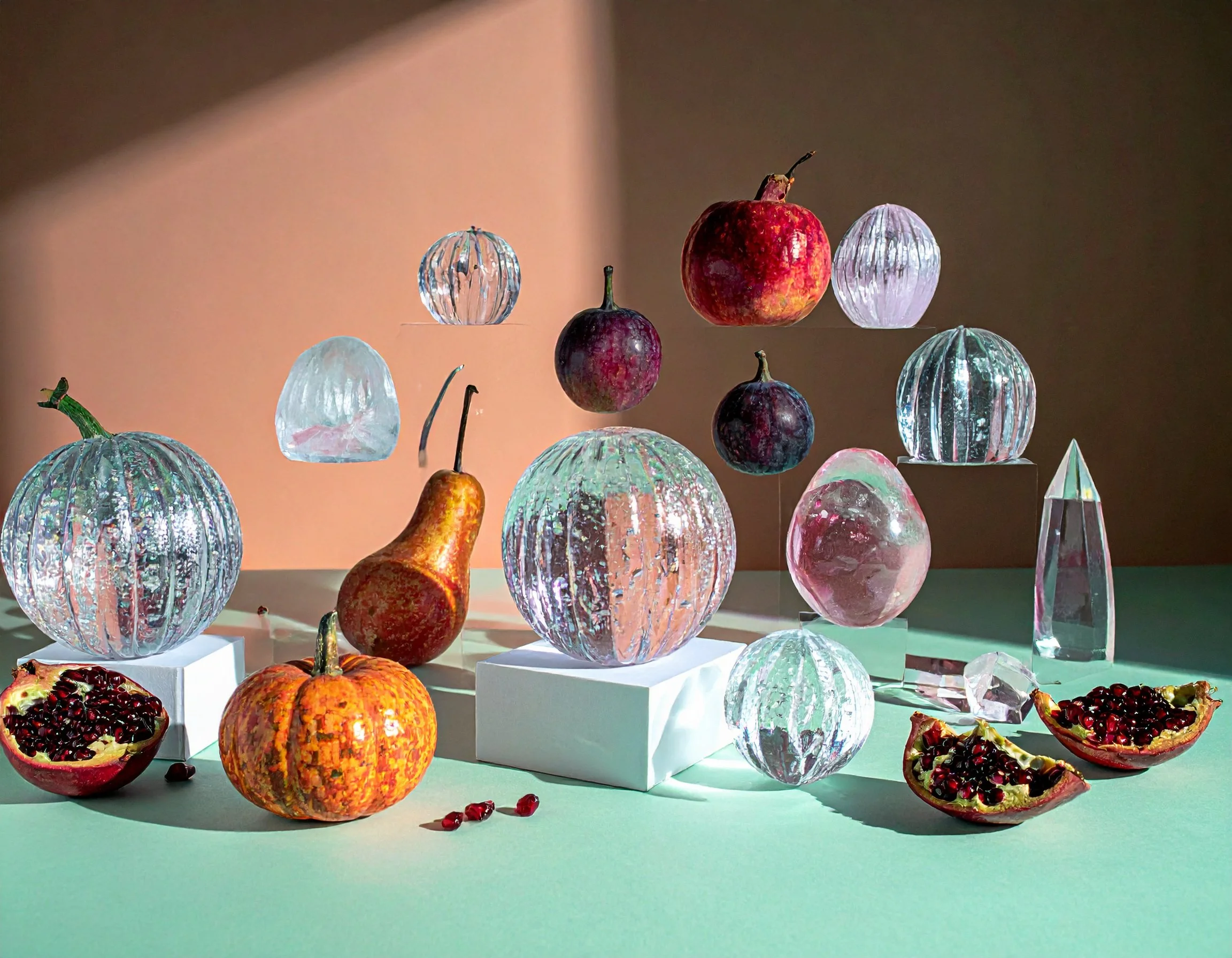
Concept artwork created with Adobe Firefly’s text-to-image model, combining soft gradients, controlled contrast, and symbolic elements.
The Full dish | Details
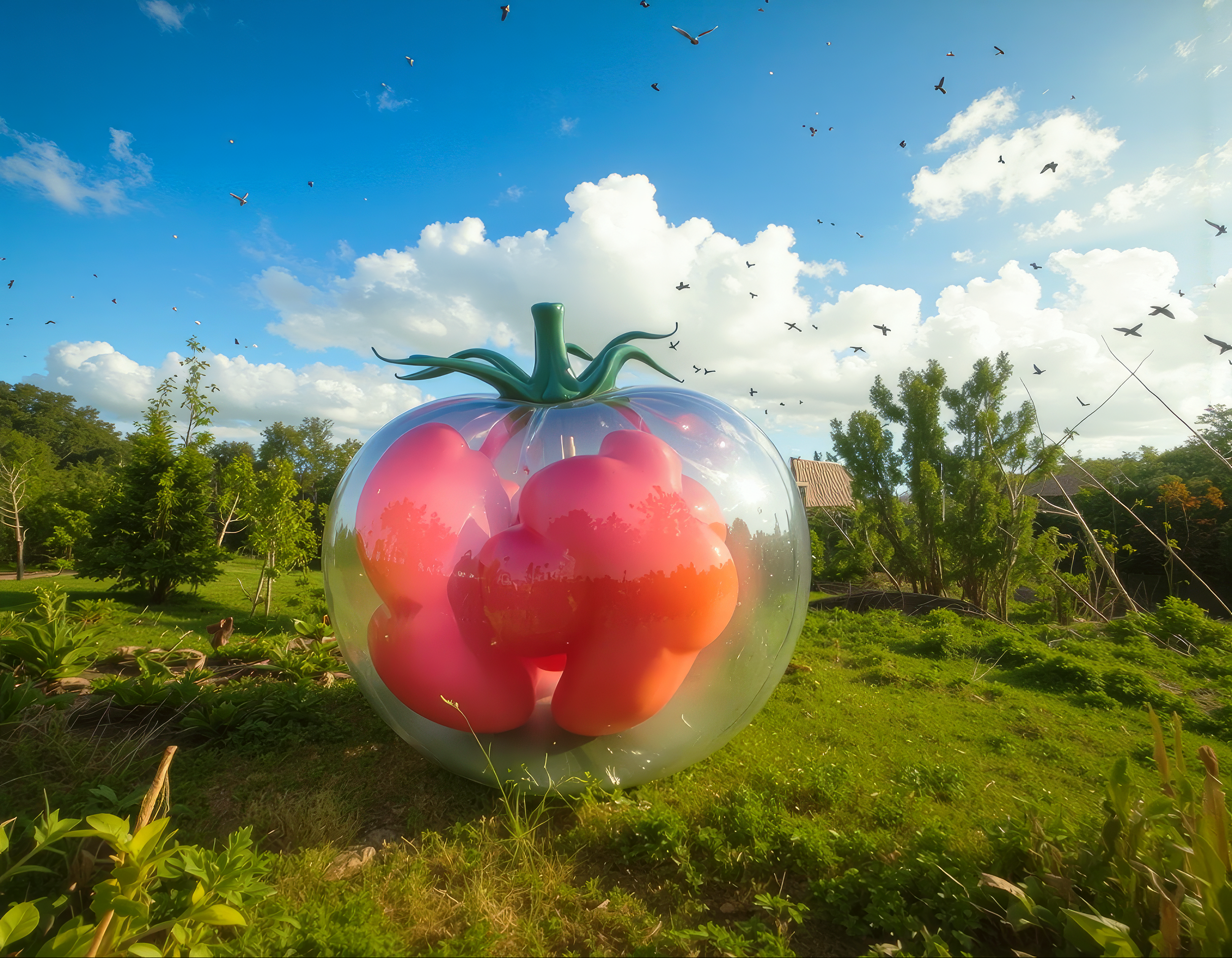
Best AI Ingredients for Every Stage of the Creative Process
-
I’ve been exploring AI in my creative workflow since its grand inception — specifically since Adobe announced Firefly on March 21, 2023. Each time I stepped into a new creative project, the question that announced itself the loudest was the same: where does AI fit in my current workflow?
Over time, I landed on a simple answer that keeps me fair, honest, and still fully in the driver’s seat: the best AI creative tool isn’t the one that creates 100% of your artwork—it’s the one that gives you the right ingredient at the right moment in the creative process. That might be brainstorming and building direction, storyboarding a campaign, generating visual assets for composition, pulling together mockups for pitching, or shaping campaign-ready creative when timelines are tight and expectations are louder than your inner critic.
In other words: not one magic meal—ingredients galore, fit for a creative feast artists and agencies honestly haven’t had access to at this scale before. And that’s exactly why I started treating Adobe Firefly like a marketplace—a place to gather the ingredients (image, video, and more) that support the work, without replacing TheCreator.
AI Visual Ingredients → Cook it in Pro Tools → Creative Direction Control
So what’s the Best Text-to-Image AI for Commercial Use?
Firefly vs Midjourney vs DALL·E vs Stable Diffusion
When it comes to text-to-image tools, most models can generate striking visuals—but not all of them are built with real-world usage in mind. If we you zoom in on the current text-to-image landscape, the differences come down to how usable the outputs are beyond inspiration. Models like DALL·E 3, Stable Diffusion (SDXL), and Midjourney are widely cited in research and practice for their ability to generate high-fidelity, stylistically rich images.
But those same strengths can come with tradeoffs—less transparency around training data in some cases, inconsistent brand control, or outputs that require additional vetting before being used in commercial campaigns.
Adobe Firefly is designed differently in that context. Its positioning is less about pushing the most visually provocative result and more about generating assets that are structurally useful—clean compositions, editable layers, and outputs intended for commercial use—so the image doesn’t just look good, it fits into a campaign pipeline without raising as many downstream questions. That’s why I put together this graph to compare:
Where Firefly fits compared with competitors
Firefly competes with other generative AI tools for image, video, and concept generation, but its strongest position is not “best at everything.” Its defensible advantage is workflow fit: it works well when teams need AI-generated ingredients that can move into professional Adobe tools for refinement, review, and delivery. Other tools may be stronger for niche aesthetics, raw experimentation, or standalone generation, but Firefly is especially appropriate when the goal is controlled asset creation inside a broader creative pipeline.
“The best AI creative tool isn’t the fanciest one—it’s the one that gives you the right ingredient at the right moment: brainstorming, storyboarding, mockups, or campaign assets.”
Adobe Firefly isn’t the whole meal.
It’s the prep station.
In my own experiments, Firefly works best when you treat it like a creative kitchen that hands you publish-ready ingredients — a background plate here, a texture sprinkle there, a few concept variations simmering on the side —so you can stop staring at a blank canvas and start making real choices.
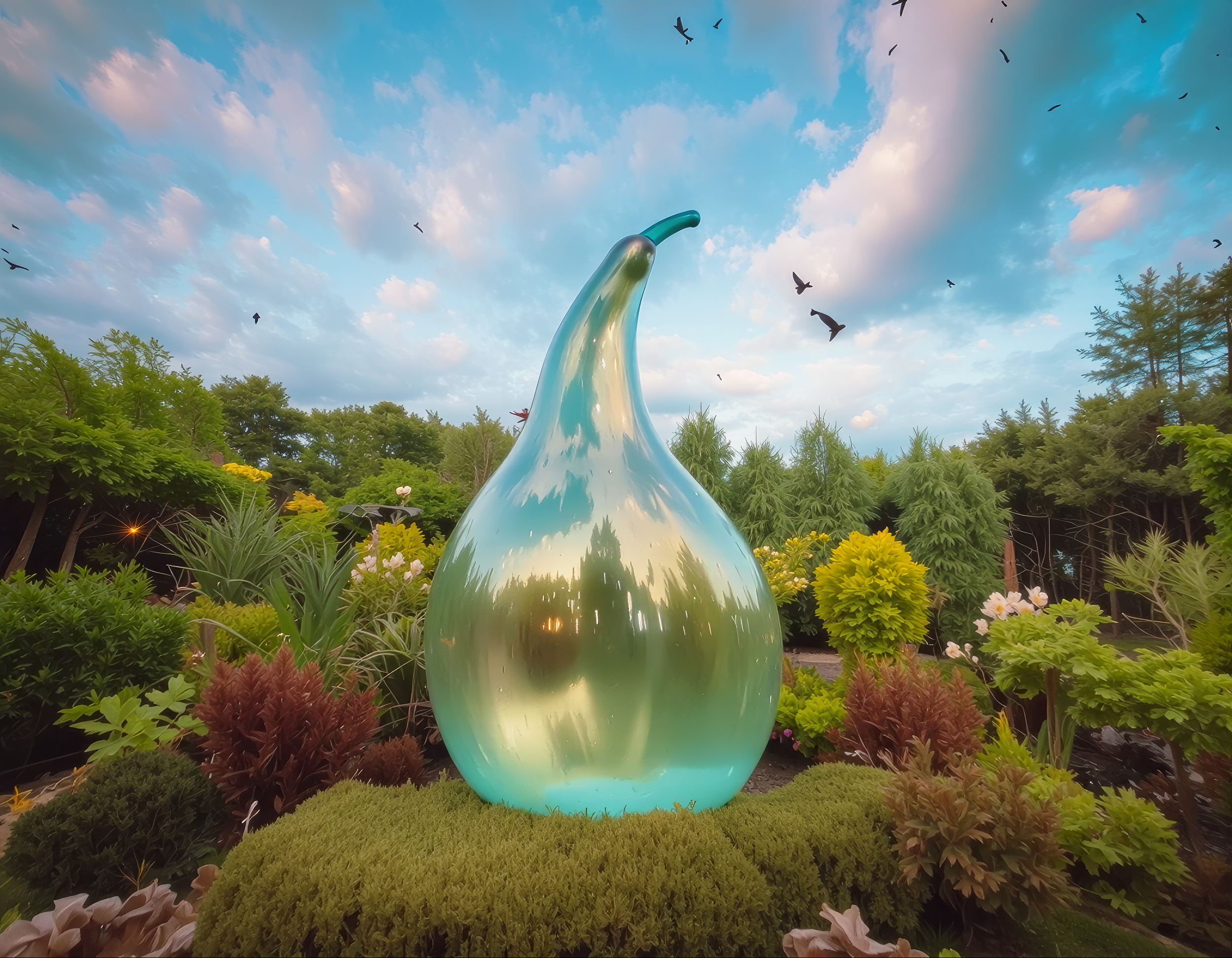
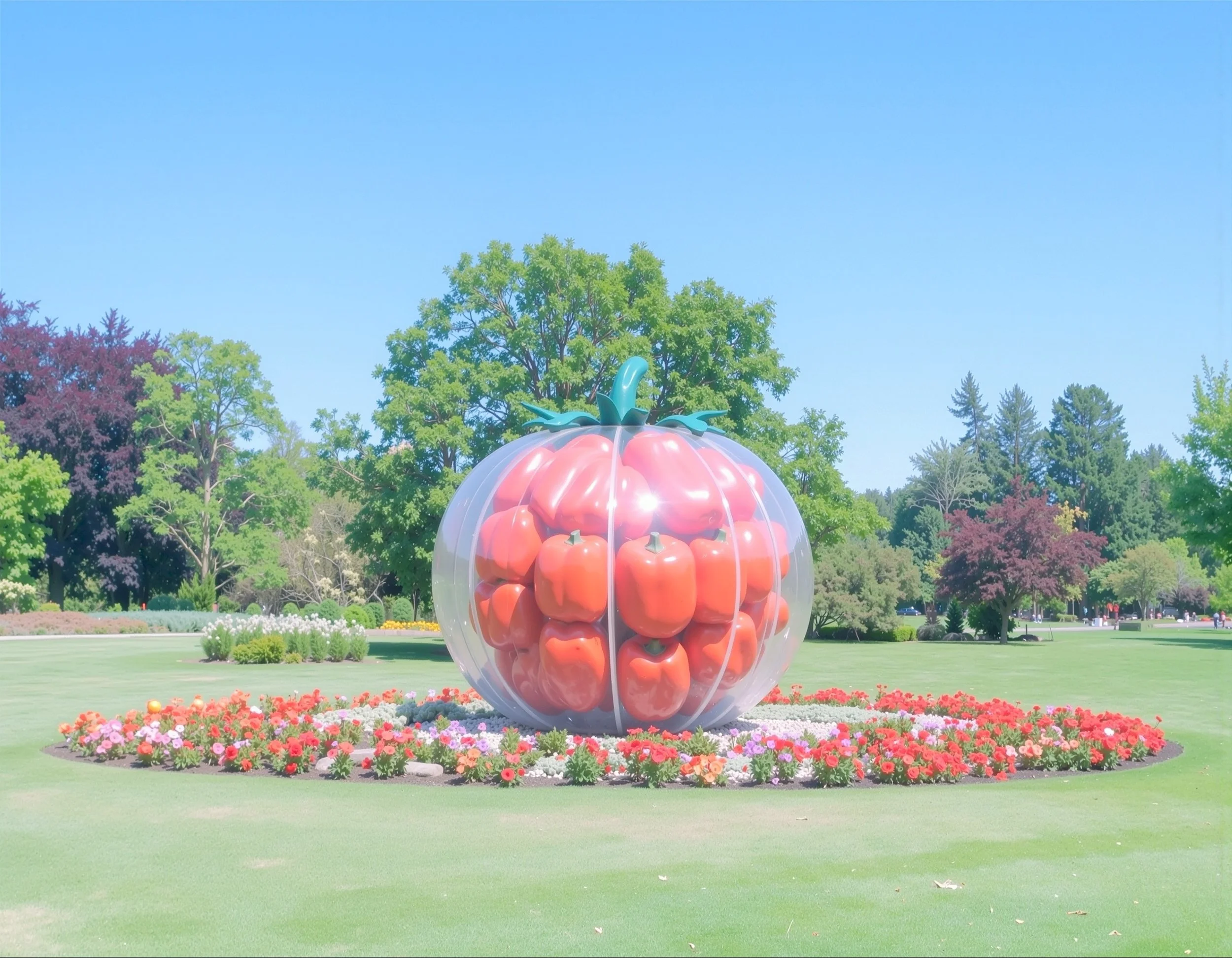
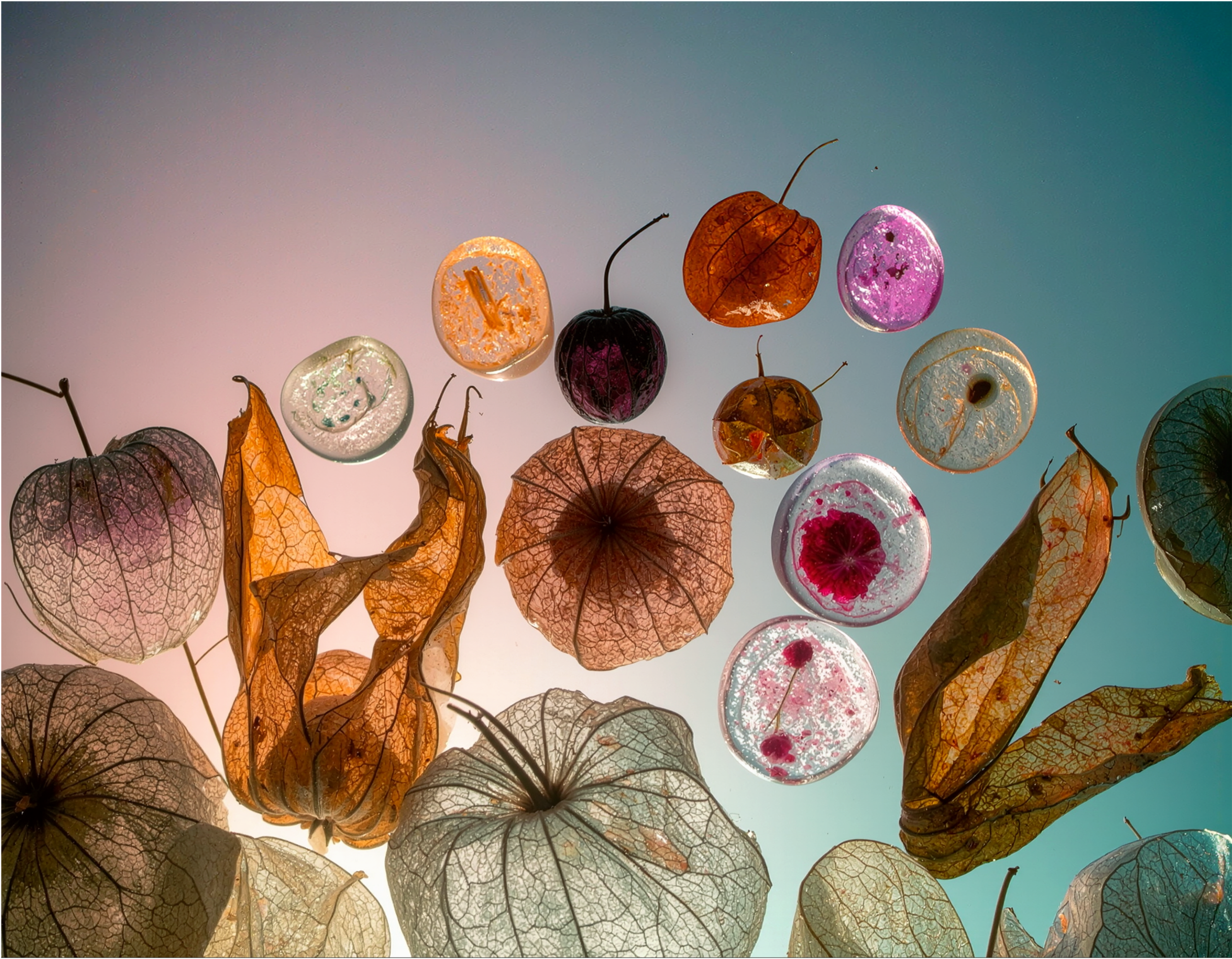
Firefly-generated concept image using a constrained color palette and atmospheric lighting to explore tone and narrative. Designed as an early-stage asset to guide creative decisions across a project.
Different Tools for Different Recipes
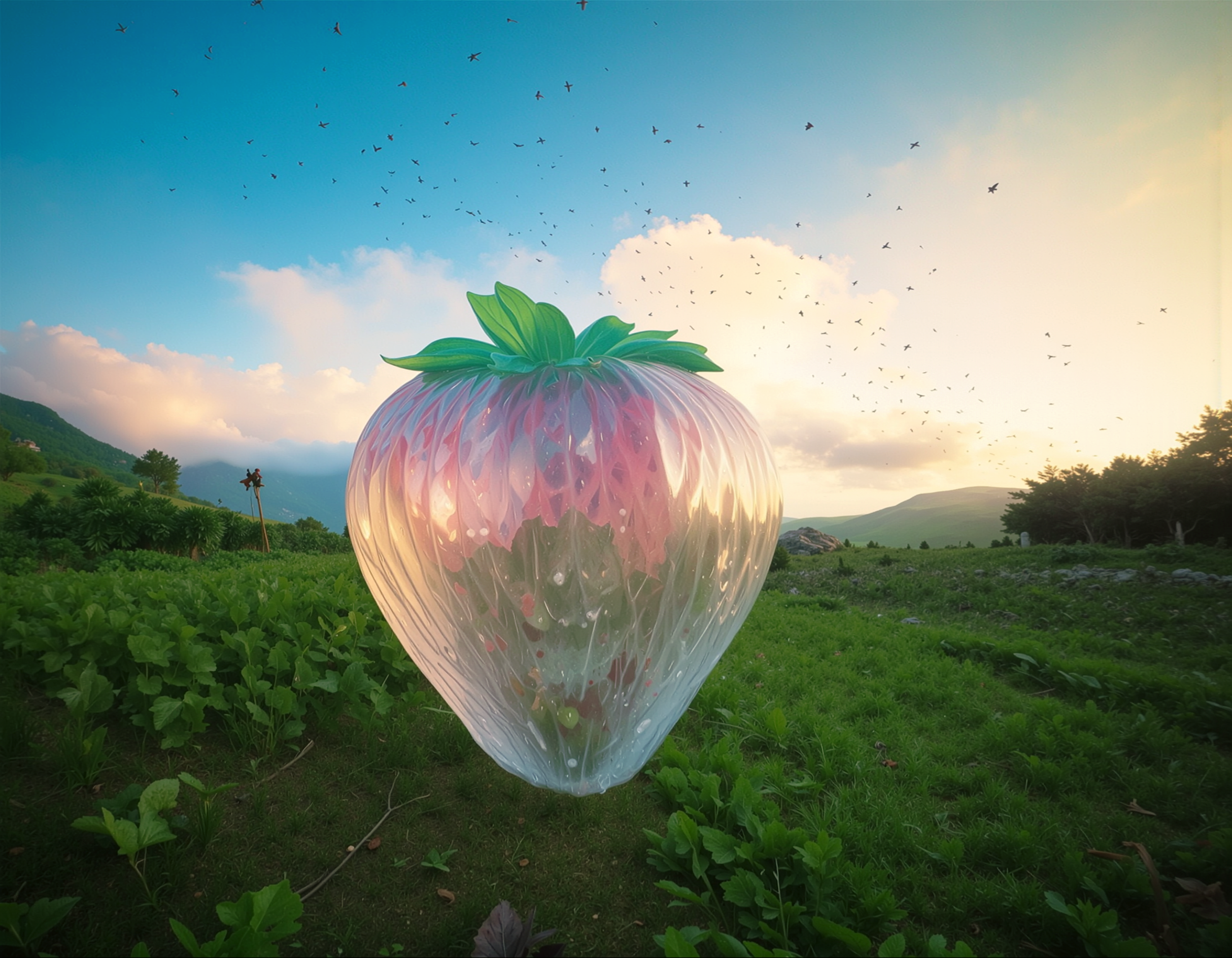
Think of each feature in Adobe Firefly as a specific tool in your creative kitchen—each one designed for a distinct stage of the workflow. Generate Image is your pantry raid for fresh concepts and visual directions. Generative Fill is your knife work—removing distractions, extending frames, and refining composition. Boards acts as your mise en place, laying everything out so teams can align before production. Image-to-Video and Generate Video introduce motion without rebuilding the entire piece, while soundtrack, speech, and sound effects function as final seasoning—adding tone and cohesion. The strategy is simple: use the right tool for the right step, and your output moves from idea to campaign-ready with far less friction.
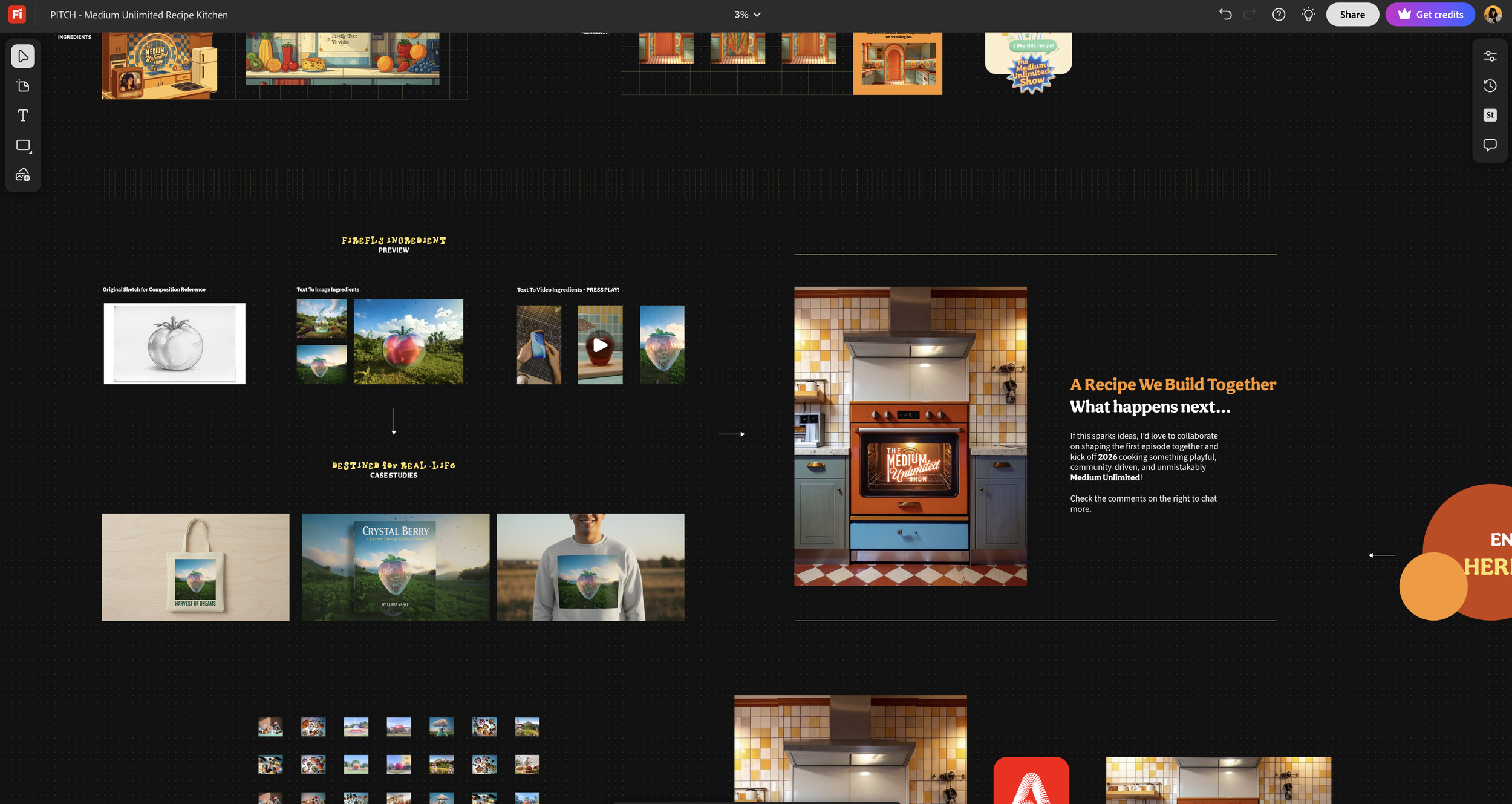
A curated board combining AI-generated visuals, reference imagery, and color studies created in Adobe Firefly Boards. The layout organizes visual ingredients—textures, tones, and compositions—into a cohesive direction, allowing teams to align on concept and narrative before production begins.
Choose Firefly when you need structured ideation, editable assets, cross-team alignment, and professional finishing downstream.
Choose Firefly when you need structured ideation, editable assets, cross-team alignment, and professional finishing downstream.
—
Adobe Firefly Features for multiple Creative Roles
That’s why the same feature can hit differently depending on who you are: a graphic designer needs fast visual directions, a photographer needs clean expansions and fixes, a creative director needs options that survive approvals, and a marketing manager needs a steady stream of assets that don’t collapse the moment someone asks for “one last tweak.”
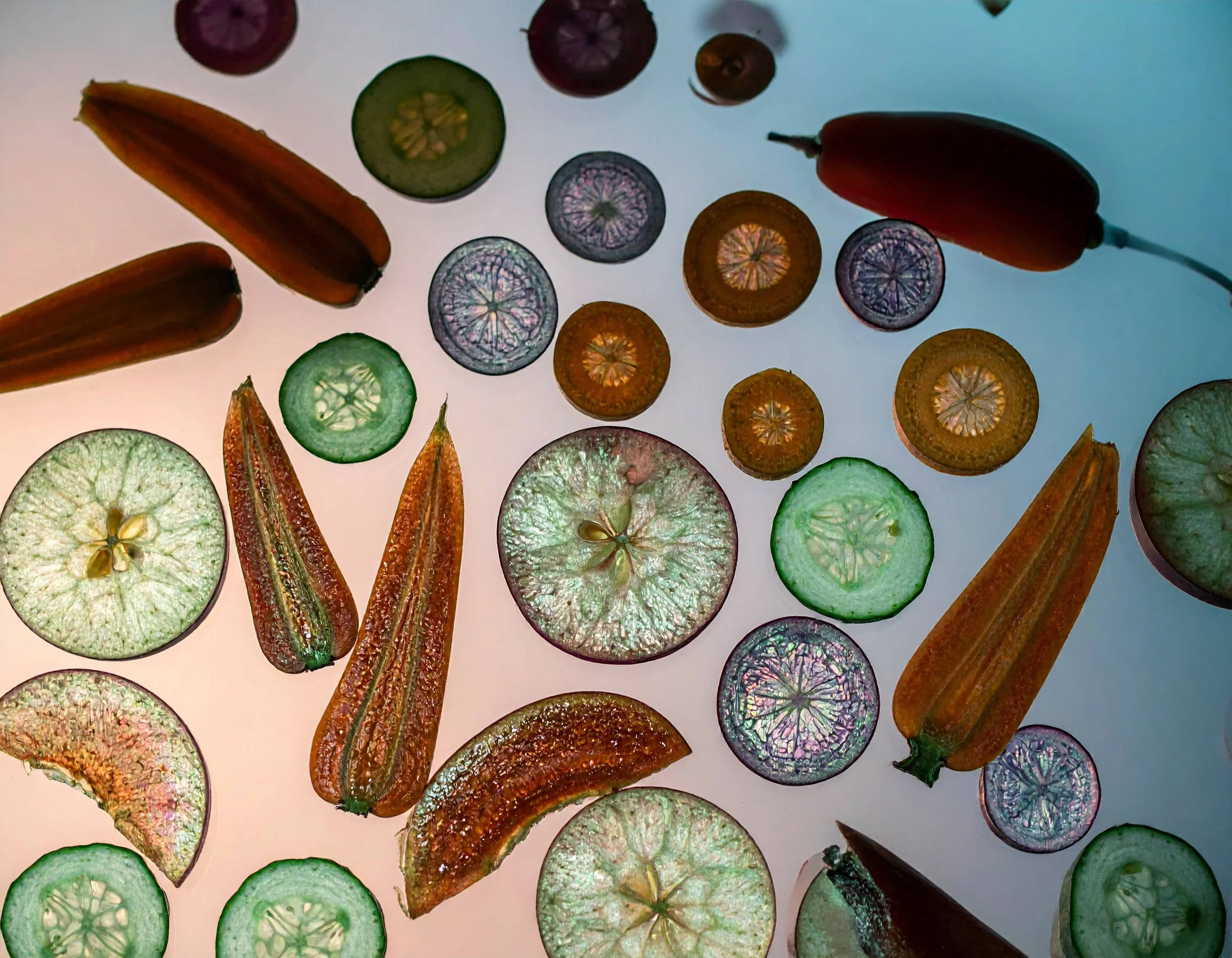
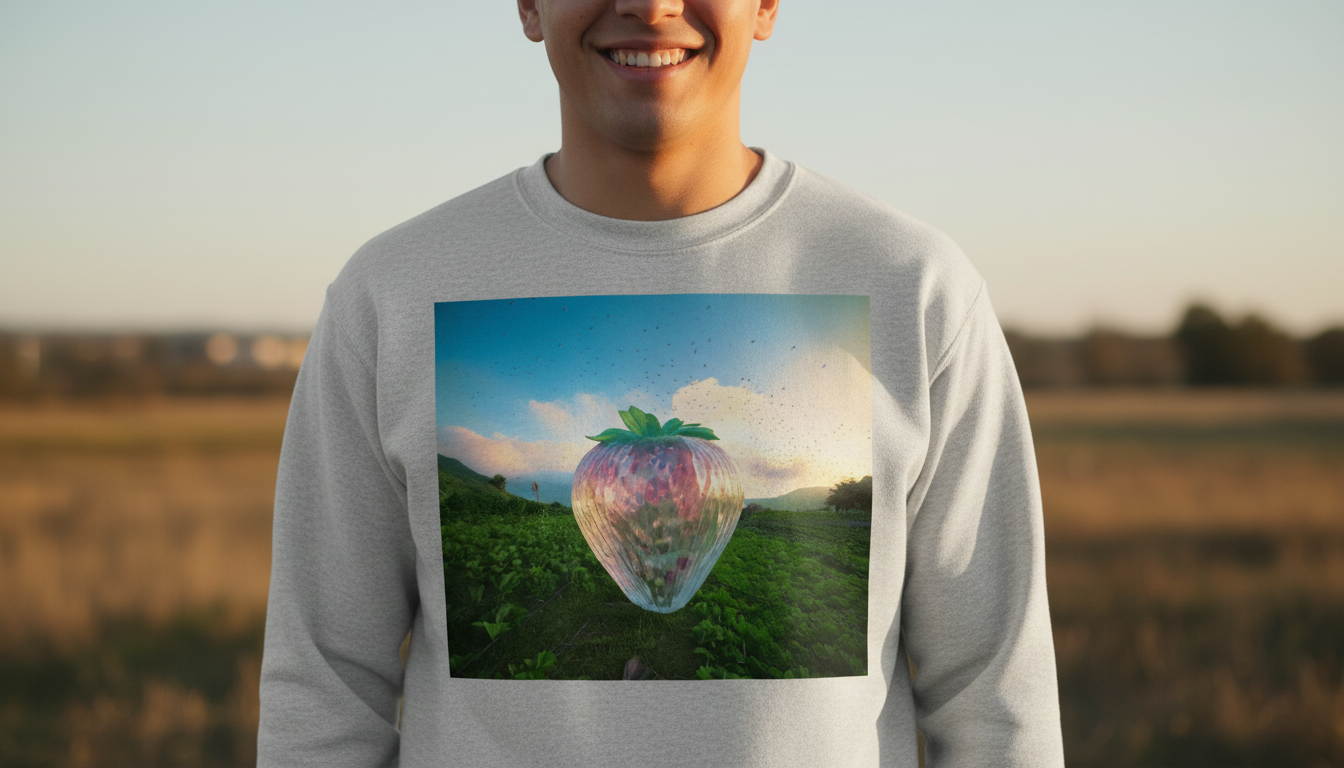
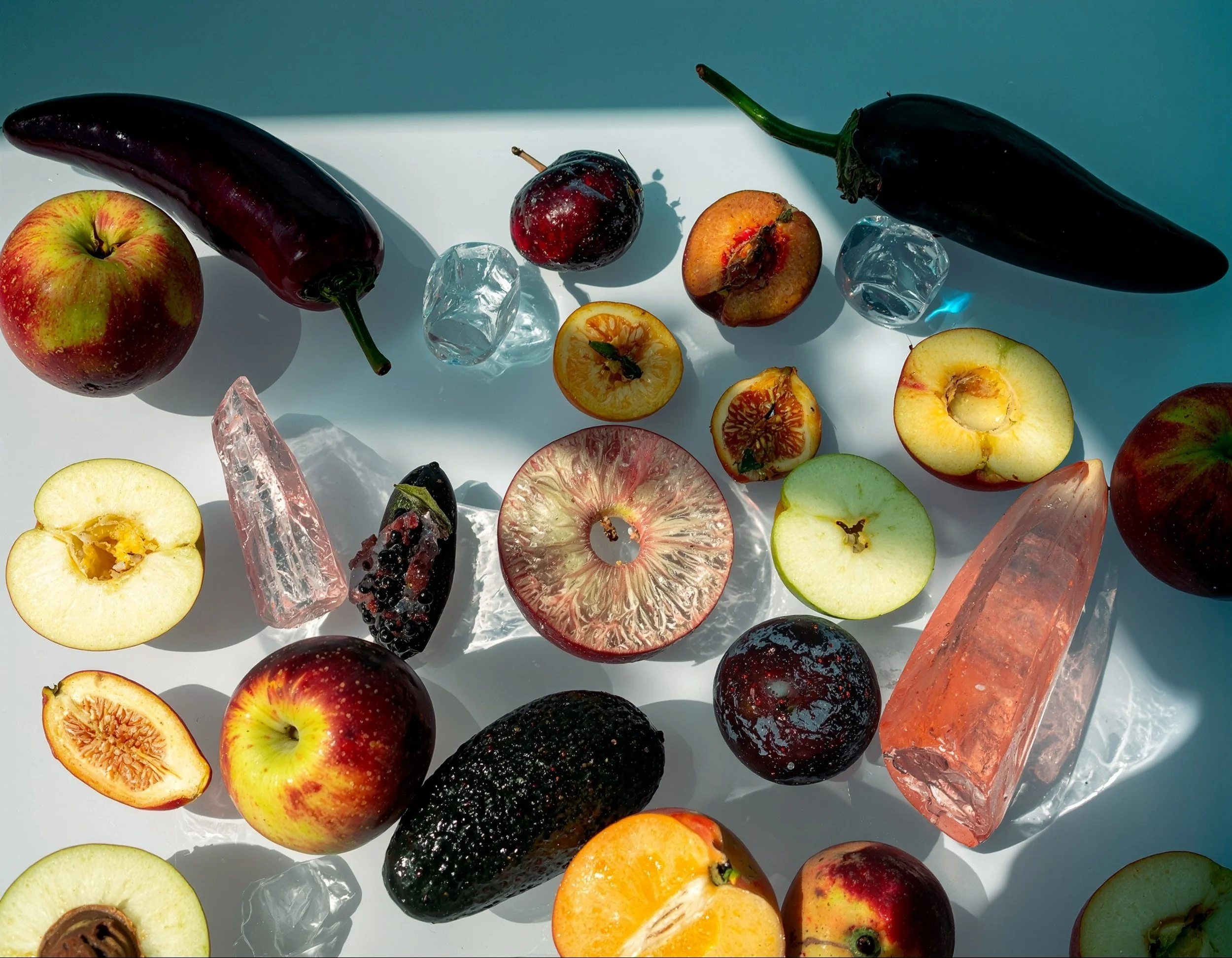
A concept-driven visual generated using Adobe Firefly’s text-to-image model, built from layered prompts exploring symbolism, color harmony, and composition. The image blends soft atmospheric lighting with intentional color palettes, using AI-generated elements as “ingredients” to establish mood and direction before refinement.
A prompt-based image created in Adobe Firefly, emphasizing composition, depth, and color consistency. The output is used as a directional asset for moodboarding and visual alignment.
how Adobe Firefly fits into a real workflow
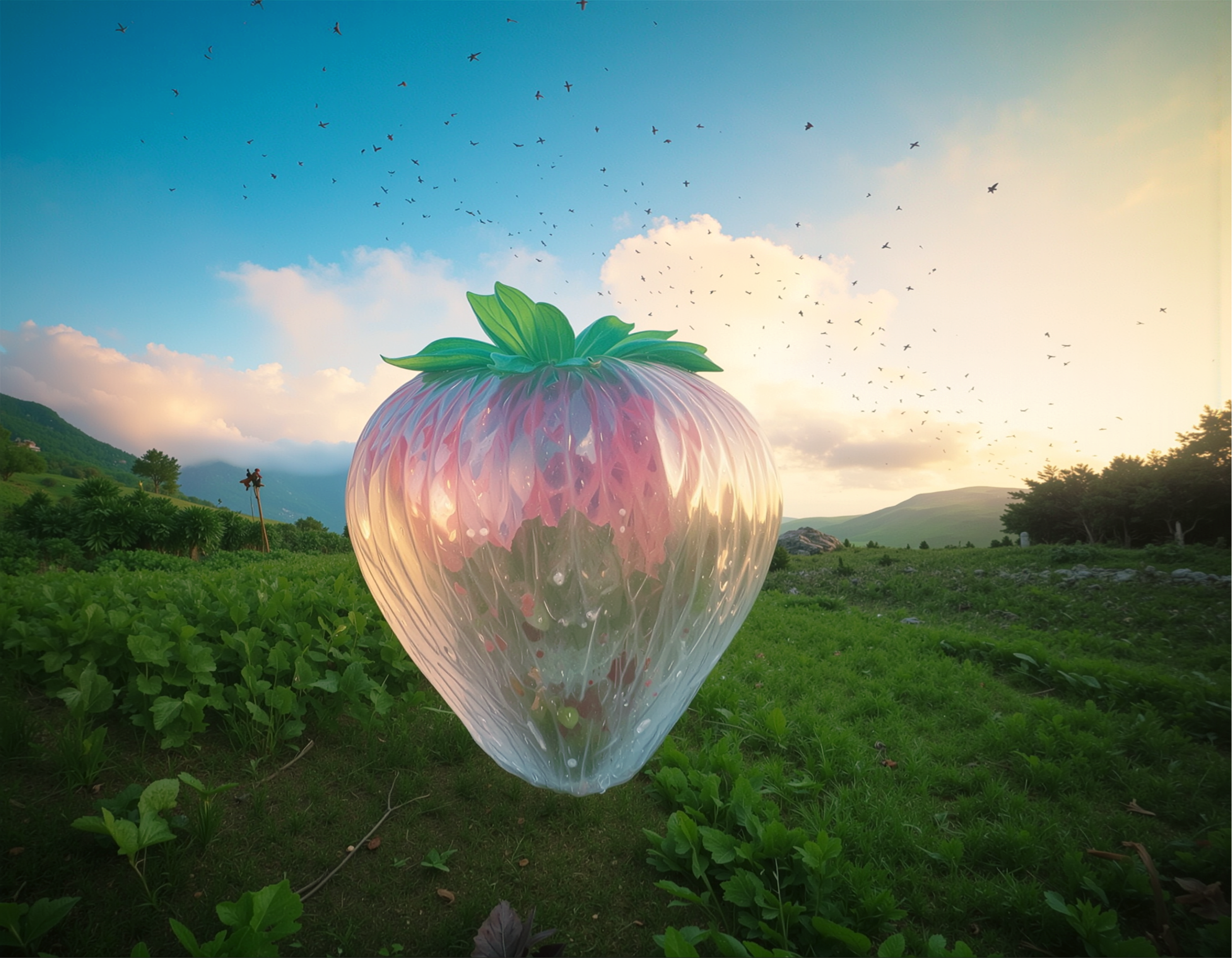
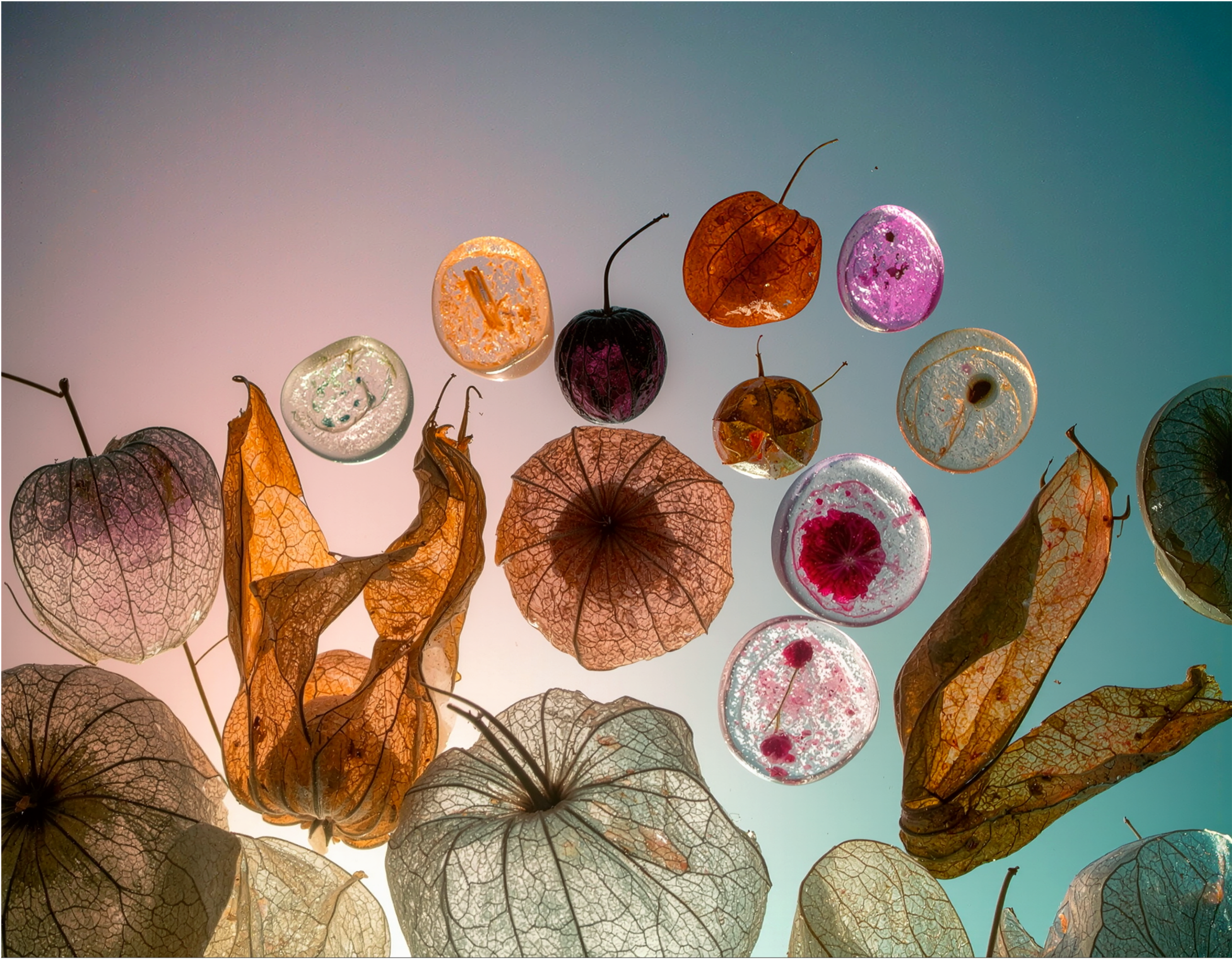
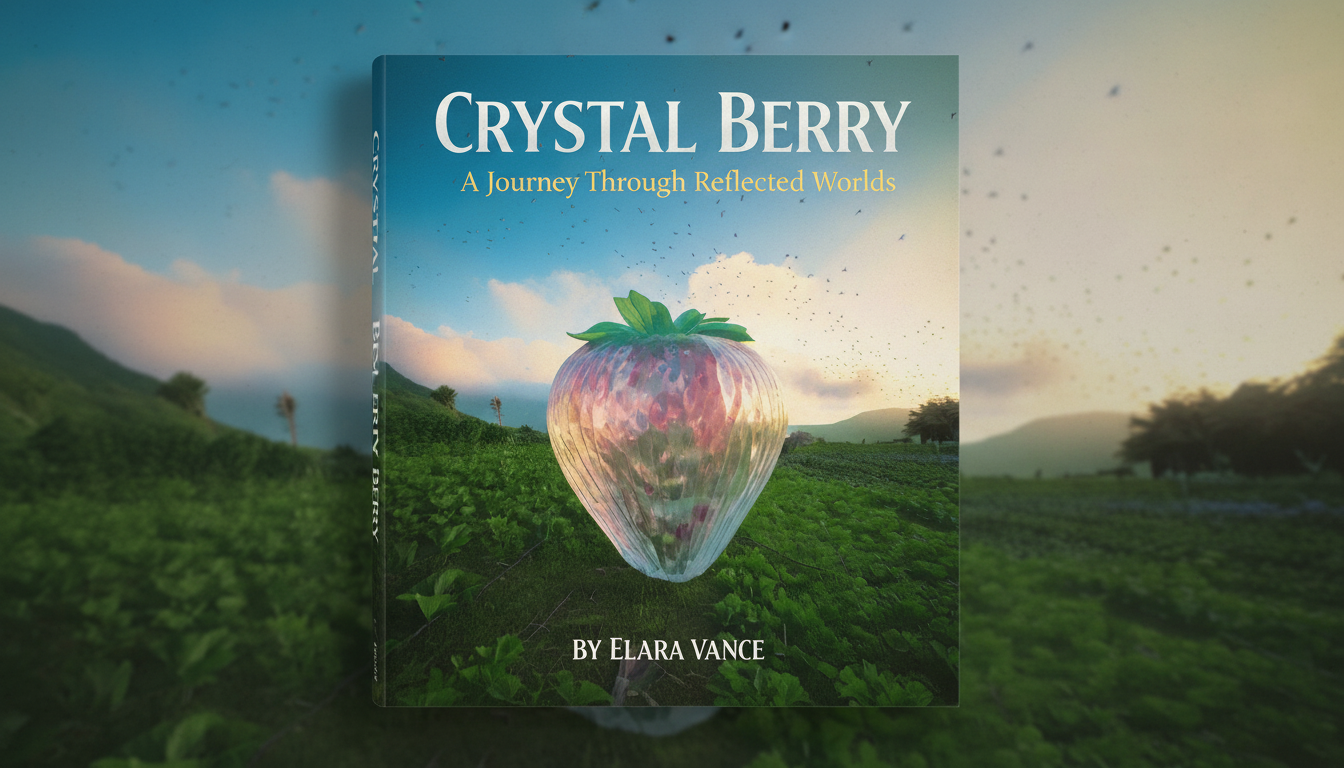
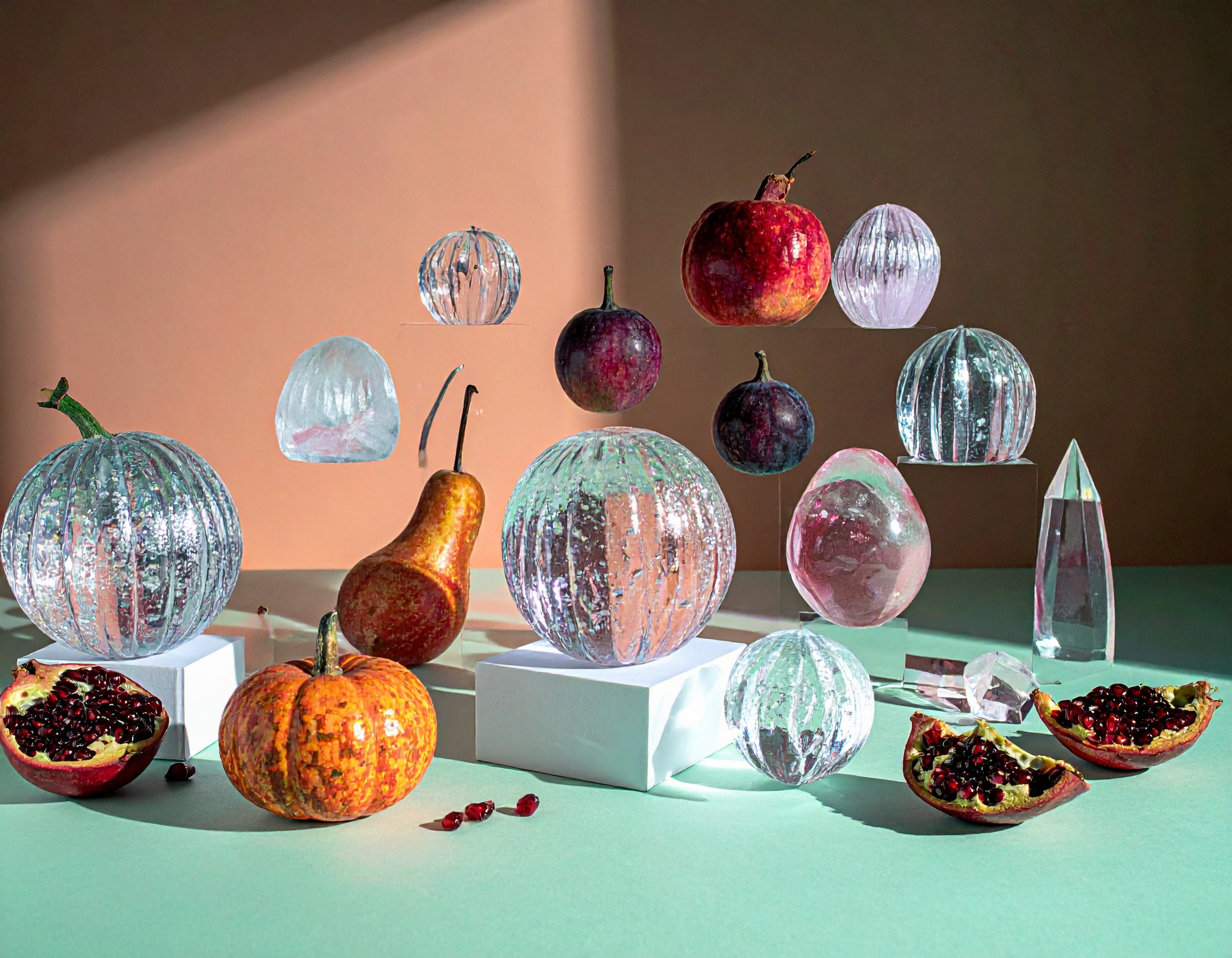
A concept image generated in Adobe Firefly using a prompt-driven approach focused on symbolic storytelling, controlled lighting, and a warm-to-neutral color palette. Each element acts as an ingredient—composed to test visual direction before moving into production.
Think of each Firefly feature as a different cooking tools.
Generate Image is your pantry raid for fresh concepts.
Generative Fill is your quick knife work—remove the distraction, extend the frame, plate it cleaner.
Boards is your mise en place: everything laid out so the team can taste the direction before you commit.
Image-to-Video and Generate Video are where you add motion—like finishing with a sizzle, not rewriting the whole recipe.
And soundtrack, speech, and sound effects? That’s seasoning: the stuff that makes the final cut feel intentional instead of unfinished.
To understand how Adobe Firefly fits into a real workflow, each feature is best evaluated by what it outputs, where it performs best, and when to use it:
Generate Image (text-to-image)
Outputs: high-resolution visuals from prompts.
Best for: moodboards, mockups, campaign concepts.
Constraint: requires selection and refinement—not always final-ready.
Generative Fill
Outputs: edited image regions (remove, extend, replace).
Best for: cleanup, resizing, compositional fixes.
Constraint: depends on a clear surrounding context for best results.
Firefly Boards
Outputs: multi-asset visual layouts.
Best for: moodboarding, pitching, creative alignment.
Constraint: not a final design environment.
Image-to-Video
Outputs: short motion from a still image.
Best for: subtle animation, social content.
Constraint: limited duration and motion control.
Generate Video (text-to-video)
Outputs: short video clips from prompts.
Best for: storyboarding and concept testing.
Constraint: not fully consistent for final production.
Soundtrack / Speech / Sound Effects
Outputs: generated audio layers.
Best for: tone, pacing, quick iteration.
Constraint: often refined in dedicated audio tools.
So use Firefly to generate stage-specific ingredients, then move into pro tools for final polish and delivery.
Final Thoughts
Firefly Accelerates the Cook; Pro Tools Does the Plating
AND…here’s the part I’m stubborn about: Firefly helps you cook faster, not cook for you. The final assembly—the real plating, the color grade, the typography, the edit decisions that make it yours — can still belong in the pro tools you’ve come to love. Firefly gets you ingredients or boosts your favorite tools so you can iterate at the speed your project demands.
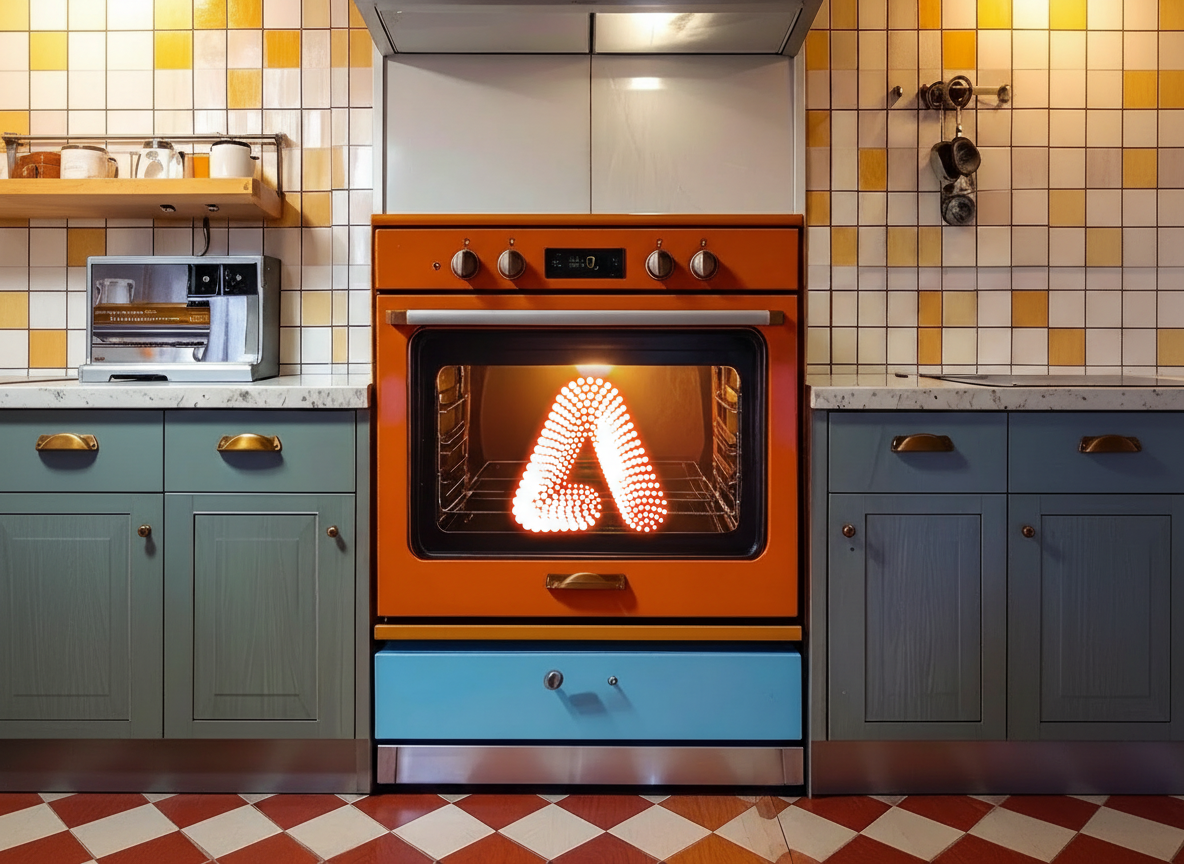
Photoshop, Lightroom, Premiere, After Effects… that’s where you reduce the sauce, check the balance, and serve something that makes you feel proud of the inal result AND the creative process.
Soooo all that said….
You can choose the right tool like a chef chooses the right knife: not because it’s trendy, but because it’s the cleanest way to get the outcome you want.
Whatever medium it is, the way you express a story can make all the difference.
FAQ
What is Adobe Firefly best for?
Adobe Firefly is best for brainstorming, mockups, moodboards, campaign concepts, and creative workflow support.
Is Adobe Firefly better than Midjourney?
Firefly is stronger for workflow integration and commercially-oriented creative production, while Midjourney is stronger for stylized exploration.
Can Adobe Firefly be used professionally?
Adobe positions Firefly as designed for commercial use, especially when integrated into broader Adobe workflows.
Why use Firefly with Photoshop and Premiere?
Firefly helps generate creative ingredients quickly, while Photoshop and Premiere refine and finalize the deliverable.

Cyn Lagos is a visual artist, photographer, and design educator known for blending experimentation with practical mentorship. A former Adobe Creative Resident, Cyn teaches creators and creative teams how to build repeatable workflows across photography, design, and AI-powered tools, so they can explore new mediums without losing their voice.